
Revolutionizing Warehouse Operations with AtomIQ
Leading Warehouse Distributor Transforms Operations and Achieves Complete Visibility &…

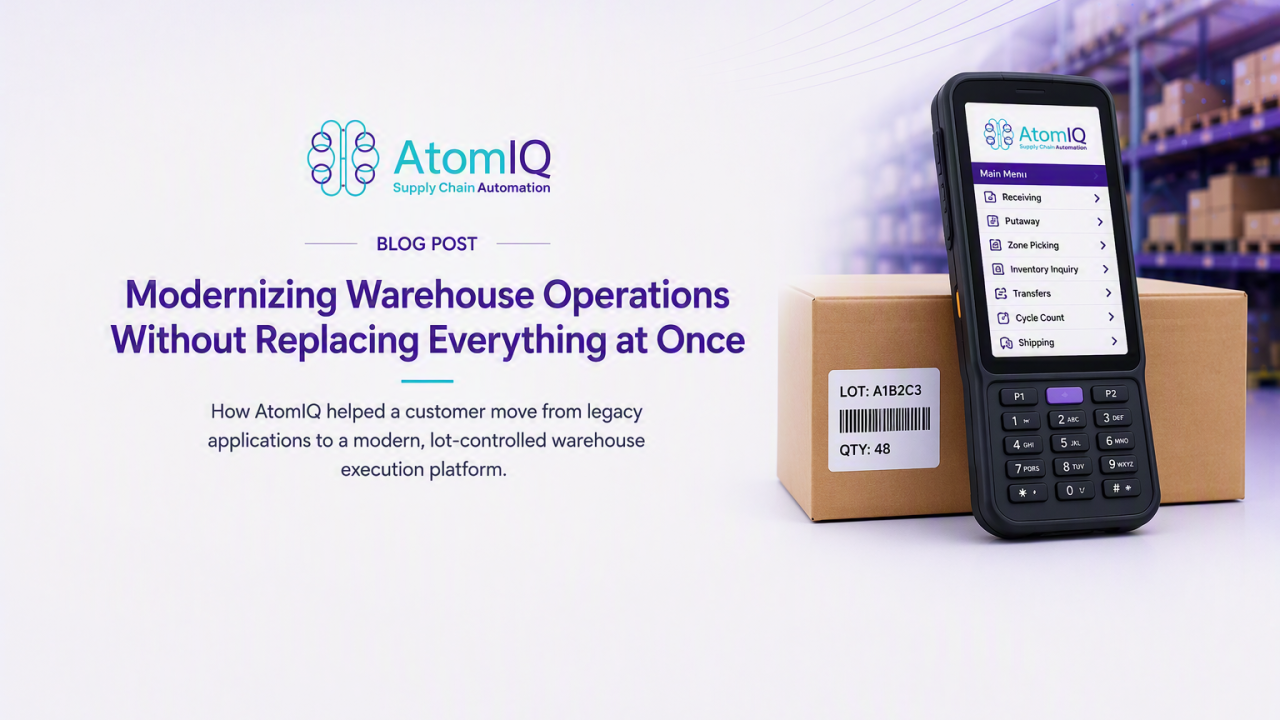
How AtomIQ helped a customer move from legacy warehouse applications to a modern, lot-controlled warehouse execution platform
Warehouse modernization is often presented as a technology project: replace an older application, implement a new platform, train users, and go live.
In reality, it is much more complicated.
A warehouse application sits directly in the flow of daily operations. Receiving, putaway, replenishment, picking, packing, shipping, inventory transfers, and cycle counts all depend on it. Any disruption can affect customer shipments, inventory accuracy, and warehouse productivity.
In one of our recent implementations, a customer selected AtomIQ to replace multiple legacy warehouse applications. The objective was not simply to recreate the existing screens on a newer technology stack. The customer wanted to establish a more modern warehouse execution foundation while continuing to support its current workforce, warehouse processes, and scanner hardware.
The solution needed to support advanced warehousing with lot control, zone-based picking, and the essential inbound, inventory, and outbound workflows required to run the warehouse.
At the same time, it needed to work on older scanner guns that were still actively used across the operation.
That combination made the project both challenging and valuable.
Replacing one application can be relatively straightforward. Replacing several interconnected warehouse applications is different.
Each application may support a specific operational step. One may be used for receiving, another for inventory movement, and another for picking or shipping. Over time, operators become familiar with the exact screen sequence, button placement, function keys, scanner behavior, and exception-handling process.
Even when the existing applications are dated, users often know how to operate them quickly.
Introducing a modern interface therefore creates an interesting challenge. The new experience may be cleaner and easier to navigate, but it is still different. Warehouse employees must learn new screens while continuing to meet daily operational targets.
Our goal was to modernize the experience without making the transition unnecessarily difficult.
Instead of treating the implementation as a screen-by-screen conversion, we looked at each process from the operator’s perspective:
This operator-focused approach shaped the design of every workflow.
Lot-controlled inventory introduces requirements that are not present in basic inventory processing.
The application must maintain the relationship between the item, lot, quantity, location, and transaction. That relationship must be preserved from the moment inventory enters the warehouse until it is picked and shipped.
The AtomIQ workflows were designed to capture and validate lot information throughout warehouse execution.
During receiving, operators could identify the purchase order, scan the item, enter or scan the lot number, and record the received quantity. Where required, additional information such as manufacturing and expiration dates could be associated with the lot. AtomIQ’s standard process materials also support receiving against purchase orders, lot or batch capture, tolerance checks, staging, and rules-based putaway.
Lot control continued beyond receiving. Inventory movements maintained lot identity, adjustments were associated with the correct lot and location, and picking directed the operator to the appropriate lot based on the configured warehouse rules.
This was important because lot control cannot be limited to a single transaction. It must be consistently enforced across the complete inventory lifecycle.
Modern Warehouse Execution, Without the Disruption
Operators could receive material against an expected purchase order by scanning the order, item, lot, location, and quantity.
The workflow included validations to help prevent incorrect items, quantities, lots, or locations from being recorded. The interface also minimized manual data entry by using scanner input and defaults wherever practical.
Received material could be routed through a quality or inspection process before becoming available for general warehouse use.
Inventory could be approved, held, quarantined, returned, or disposed of based on the configured process. AtomIQ can also support configurable inspection tests and approval rules for quality-controlled receiving.
After receiving or inspection, inventory could be moved from the dock or staging area into warehouse storage.
The putaway workflow directed the operator to the appropriate destination and required location confirmation through scanning. This reduced dependence on manual location selection and helped ensure that inventory was stored in the correct warehouse location.
Warehouse users could review inventory by item, lot, location, or other relevant criteria.
This gave operators and supervisors a more direct view of where inventory was located and which lots were available without navigating through multiple disconnected applications.
The implementation included inventory movements between bins, locations, zones, and warehouse areas.
Operators scanned the source location, inventory, quantity, and destination location. The workflow validated the movement and updated the inventory position as part of the transaction.
Adjustment workflows supported controlled increases and decreases to inventory.
Reason codes and transaction history provided a clearer record of why an adjustment occurred, rather than treating the adjustment as an unexplained quantity change.
Both scheduled and operational cycle counting were included.
Operators could count inventory by location, item, or assigned count task. Differences could be reviewed, recounted, and approved according to the customer’s process.
AtomIQ can also use operational exceptions to initiate more targeted cycle counts. For example, if an operator finds inventory in a location different from the system-directed location, that exception can become a signal that the location should be counted.
Picking was designed around the customer’s warehouse zones.
Rather than requiring a single operator to travel across the entire warehouse, picking work could be organized according to the zones in which inventory was stored. Operators could focus on the work assigned to their areas, while the platform maintained the relationship between the order, task, item, lot, location, and picked quantity.
The workflow directed the operator to the required location and lot. The operator confirmed the location and item through scanning before entering or confirming the picked quantity.
Zone-based execution provided a structured way to distribute warehouse work and aligned the application with the physical organization of the facility.
AtomIQ’s broader picking architecture can also support batch, wave, and cluster strategies, with configurable zones, capacities, task assignment, scanner validation, and exception handling.
After picking, items could be verified and prepared for shipment.
The packing workflow supported shipment validation, carton or package information, quantities, labels, and shipping documentation based on the configured process.
The shipping workflow completed the outbound warehouse process.
Operators could confirm the shipment and capture the required shipment information. This closed the warehouse transaction while making the shipment status available to the connected enterprise systems.
One of the most important requirements was compatibility with the customer’s existing scanner devices.
A warehouse modernization project should not automatically become a hardware replacement project.
Many older scanner guns remain reliable for barcode-driven warehouse transactions. However, they can have smaller displays, older operating systems, limited browsers, physical keypads, and less processing capacity than newer mobile computers.
The AtomIQ experience therefore had to be designed with practical device limitations in mind.
This meant focusing on:
AtomIQ supports frontline workflows across rugged Android handhelds, smartphones, and browser-based applications, although specific workflows should always be validated against the selected device models.
The objective was not to force a desktop-style application onto a handheld scanner. It was to provide an interface designed around how warehouse operators actually work.
Technology alone does not deliver a successful warehouse transformation. Users must be able to adopt it confidently.
Training was organized around warehouse processes rather than software features. Instead of explaining every field and menu, users were trained by walking through the transactions they perform during a normal shift.
For example:
This made the training more relevant because users could connect each screen directly to a familiar warehouse activity.
The modern interface also made it possible to display only the fields and actions needed for a specific role. A receiver did not need to see every shipping option, and a picker did not need access to configuration functions.
Reducing unnecessary choices helped make the application easier to learn and safer to operate.
The most important lesson from this implementation was that warehouse modernization does not require an organization to replace every device, redesign every process, and retrain every employee at the same time.
A practical modernization strategy can preserve what is still working while improving the areas that create operational limitations.
For this customer, that meant:
The result was more than an application migration.
It created a modern warehouse execution foundation designed around actual warehouse operations, frontline users, existing devices, and future growth.
That is how we think about modernization at AtomIQ: move the operation forward without losing sight of the people and processes that keep the warehouse running every day.
Modernize Warehouse Operations Without the Overhaul

Leading Warehouse Distributor Transforms Operations and Achieves Complete Visibility &…

Leading Apparel Manufacturer Digitizes Warehouse Operations with Powerful Integration of…

Global Multi-Facility Manufacturer Launches Cycle Count Apps to Streamline Inventory…

Leading Global Manufacturer Empowers Field Users for Efficient Order Management…

Global Automotive Manufacturer Launches PO Approval Apps for 200+ Users

Leading Commercial Beverage Systems Manufacturer Digitizes Shopfloor Management to Overcome…

Leading Industrial Equipment Manufacturer Enhances Work Order Scheduling in E1

Learn how leading companies are automating and simplifying expense management…

Leading global manufacturer of home building products rolls out warehouse…

Leading global manufacturer integrates with their third-party freight provider to charges in real-time.